Create Report
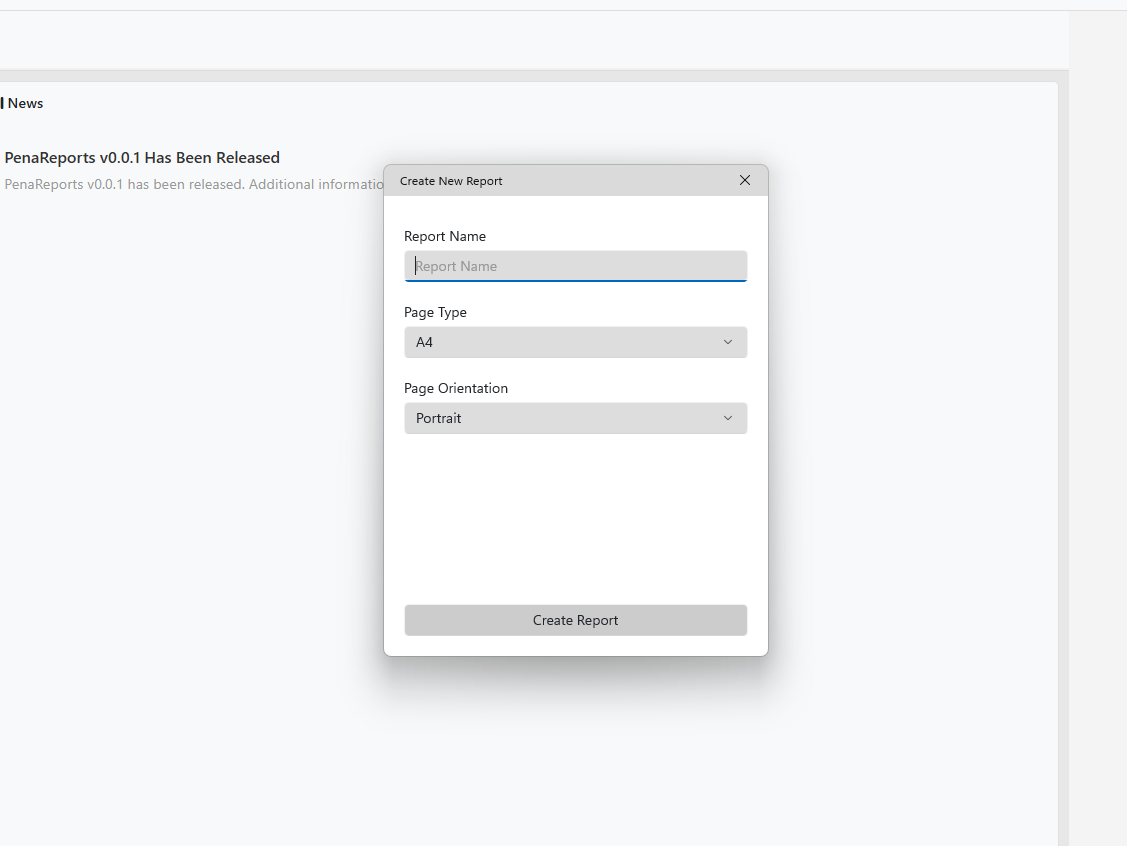
You can create a report by following File > New, or by clicking the blue plus file icon on the shortcut bar. A screen similar to the image below will appear. From this section, you can set the report name, page type, and page orientation. The supported page types are as follows:
- A4
- Letter
- Legal
- A3
- A5
- Tabloid
- Custom
However, by selecting Custom, you can create a report in the dimensions you want.
After making all selections, click the Create New Report button.